
 English


WooCommerce to Shopify: How to Migrate Without Losing SEO Rankings

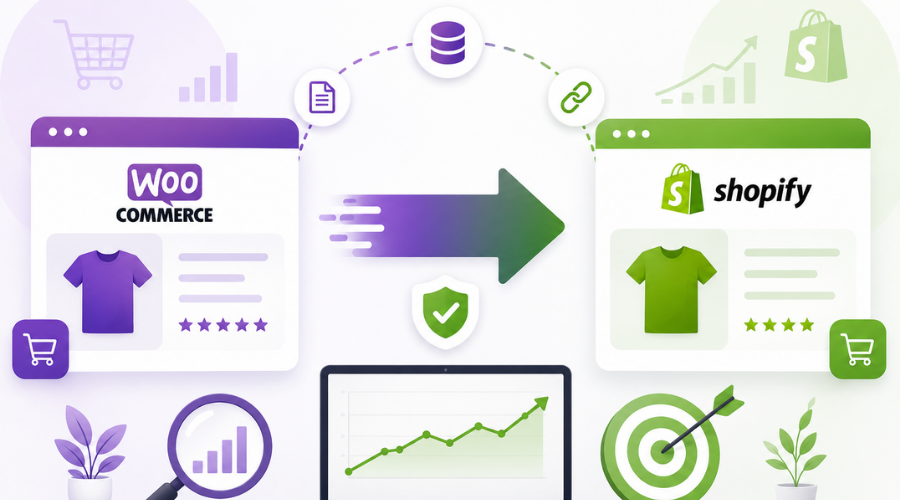
If your WooCommerce store is becoming harder to manage, you’re not alone. Many growing businesses eventually outgrow their existing setup and move to Shopify for its simplicity, security, and scalability.
For migration, the challenge isn’t moving your products but protecting the SEO you have spent years building. A poorly planned migration can lead to broken URLs, lost rankings, and a drop in organic traffic.
That’s why investing in Shopify website development services is about more than launching a new store. It’s about ensuring every SEO asset, from redirects to metadata, is carried over correctly so your visibility stays intact.
Here’s how it’s done.
Why SEO Rankings Can Drop During a Migration
Search engines treat your website structure as a map. If that map suddenly changes without direction, rankings can suffer.
The most common reasons include:
- Missing 301 redirects
- Changed product or category URLs
- Lost title tags and meta descriptions
- Broken internal links
- Crawl errors and duplicate pages
Google recommends using permanent (301) redirects whenever pages move, as they help search engines understand the new location of your content and preserve ranking signals.
A Step-by-Step Migration Plan That Protects Your SEO
Step 1: Audit Your Existing WooCommerce Store
Before moving anything, review your current WooCommerce website design. Identify your highest-performing pages, backlinks, product URLs, metadata, blog content, and image alt text. These are valuable SEO assets that should be preserved.
WooCommerce development services in Kolkata export your products, customer data, blog posts, and media files before beginning the migration.
Step 2: Map Every Important URL
Your old URLS shouldn’t simply disappear.
Create a URL mapping sheet that matches every important WooCommerce page with its Shopify equivalent. Once your new store is live, implement 301 redirects for all changed URLs. This ensures visitors and search engines are sent to the correct pages instead of encountering 404 errors.
Step 3: Preserve Your On-Page SEO
Migration isn’t just about moving products. Make sure you retain:
- Page titles
- Meta descriptions
- Image alt text
- Product descriptions
- Canonical tags
- Structured data where applicable
These elements help search engines understand your content and maintain existing relevance.
Step 4: Check Your Internal Links
After launching your Shopify store, test your navigation, category pages, blogs, and product links. Internal links distribute authority across your website, so broken links can affect both user experience and crawlability.
Step 5: Submit Your New Sitemap
Once everything is working correctly, submit Shopify’s XML sitemap through Google Search Console. Google can then discover your updated pages more efficiently and begin indexing the new structure.
Common Migration Mistakes to Avoid
Even experienced online store owners make avoidable errors. Here’s what you shouldn’t do:
- Launch without testing redirects.
- Delete old pages before they are redirected.
- Change URL structures unnecessarily.
- Forget to migrate blog content.
- Ignore crawl errors after launch.
It’s also normal to notice minor ranking fluctuations for a short period after migration while search engines recrawl your website. A properly planned migration usually helps rankings stabilize faster.
Why the Right Development Partner Matters
A successful migration requires technical SEO knowledge as much as development expertise. If you’re planning to hire a Shopify developer in India, choose a web development company that understands both ecommerce development and search optimization.
For instance, Digital Concepts is one of the best Shopify store development services that follows this approach by combining Shopify development with SEO best practices from the planning stage. They deliver end-to-end web development and digital marketing solutions while focusing on long-term business growth rather than simply launching websites. Their Shopify specialists prioritize responsive design, performance optimization, quality testing, and ongoing support, all of which contribute to a smoother migration experience.
A successful migration isn’t measured by how quickly your store goes live. It’s measured by how well your rankings, traffic, and customer experience are preserved throughout the transition.
Switching your store from WooCommerce over to Shopify might feel like taking a giant leap, but it doesn’t have to mean watching your hard-earned SEO rankings go down the drain. As long as you take the time to map out your URLs, lock down your metadata, and double-check those redirects, you can pull off a smooth transition without losing your hard-won spot on Google.
At the end of the day, a migration isn’t just about swapping software. It’s about setting your brand up for effortless scaling down the road. Take a deep breath, follow the steps, and don’t hesitate to lean on seasoned Shopify developers to handle the heavy technical lifting if you need an extra set of hands.
FAQs
1. Will migrating from WooCommerce to Shopify ruin my Google rankings?
No, provided the migration is well-executed. Organizing your URLs, implementing 301 redirects, preserving metadata, and submitting a new sitemap will help search engines seamlessly adapt to the move. You may see temporary fluctuations, but your rankings can recover quickly when SEO best practices are followed. For best results, you can hire a Shopify development company, like Digital Concepts. They build Shopify stores from scratch with custom visual designs tailored to your brand identity, focusing on optimization, speed, and responsive design so your store works seamlessly across all screen sizes and mobile devices.
2. What should I do before moving my WooCommerce store to Shopify?
Before migrating your website from WooCommerce to Shopify, start by backing up your entire store, including products, customer data, blog posts, and images. Review your top-performing pages and export important SEO elements like title tags and meta descriptions. Planning your URL redirects before launch can help prevent traffic and ranking losses.
3. How long does it take to migrate a WooCommerce store to Shopify?
The timeline depends on your store’s size and complexity. A small store may take a few days, while a large ecommerce website with thousands of products and custom features can take several weeks. Testing everything before launch is just as important as the migration itself.